AI visual workspace
Create a new image.
Keep shaping it.
Describe what you want, or begin with an image you own. Red Panda AI creates a new visual and gives you a clear way to keep exploring it.
Create from text
No source image needed. Start with a prompt and choose the look.
Reimagine an image
Bring one image and describe the new direction you want.
Create without an account and keep results in this browser, or sign in for cross-device Creations.
Choose a Studio starting point
Choose what it should feel like
See the direction
before every detail.
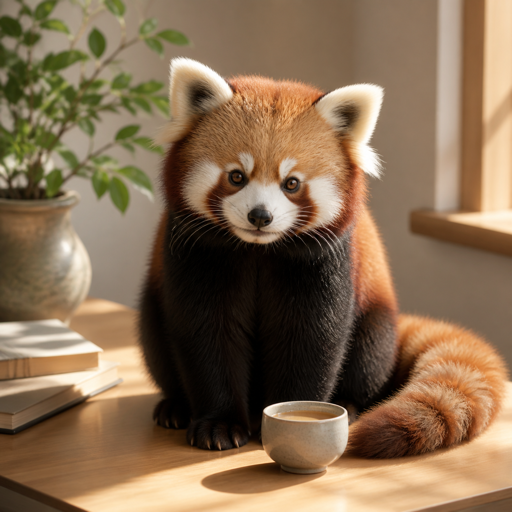
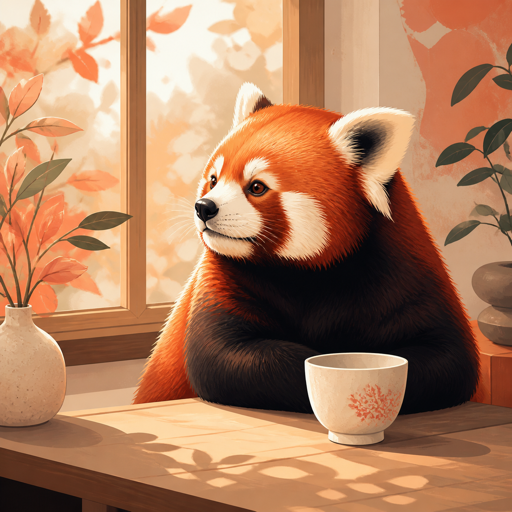
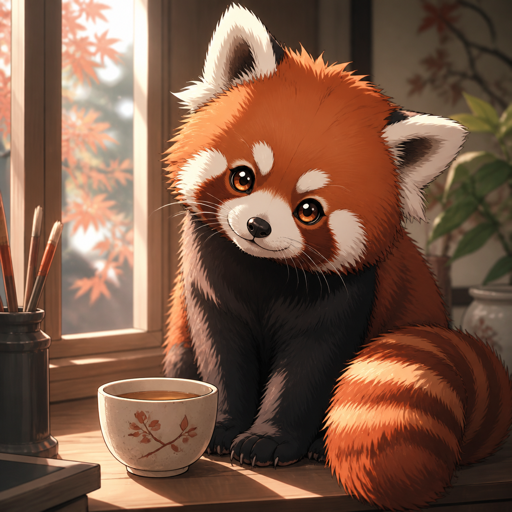
Compare a few Styles, then use one with a new idea or an image you bring. These examples show visual direction; your subject, prompt, and source shape the generated result.
Explore every Style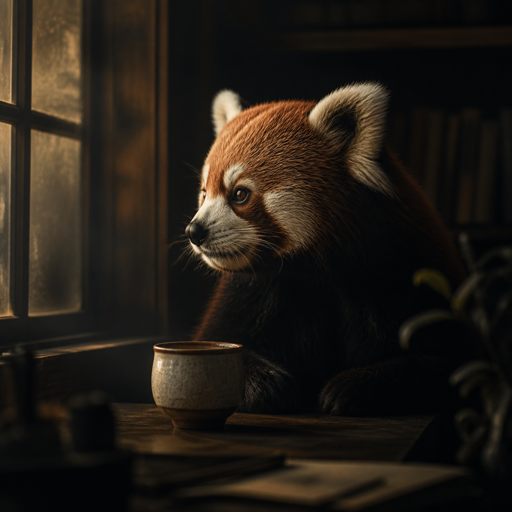
A visible way past the blank prompt
Begin with a Template you can inspect.
Each Template shows its direction, starting instruction, and output shape. Choose one to prepare editable settings in Studio; the image is not generated until you decide to start.
Browse all Templates
16:9 · editable starting point
Product in Your Scene
Bring your product and a place you like. Make a lifestyle image whose light, scale and contact shadow connect the two.

1:1 · editable starting point
Artwork on a Product
See a pattern or artwork on a product surface. Supply the object and the art separately so each has a clear job.

4:5 · editable starting point
Fashion on Location
Put a person, an outfit and a chosen location into one campaign concept. Each image has its own job: who appears, what they wear and where the photograph happens.
Your work has somewhere to go
A finished result becomes your next starting point.
Signed-in results are saved as Creations you can reopen across devices. Guest results stay in this browser. Keep a useful image, transform it or make variants, and download a copy when you want to keep it.
Open Creations01Create
Use a prompt, a source image, or a Template.
02Continue
Return to a useful result and choose its next direction.
03Download
Keep the version that is ready for your own use.
Reimagining is generative: it creates a new image, can change details, and does not promise precise edits or a transparent cutout. Your source and earlier Creations stay unchanged.