AI Image StylesFind the look
that fits your idea.

A portrait, a product, or a character can feel photographed, drawn, sculpted, or graphic. A Style guides the texture, light, and shapes; your prompt still describes what belongs in the picture.

Explore styles Create without a Style

Style is optional. You can describe the look directly in your prompt.

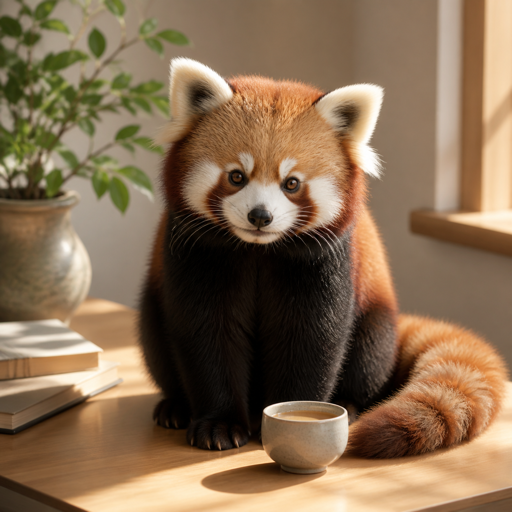
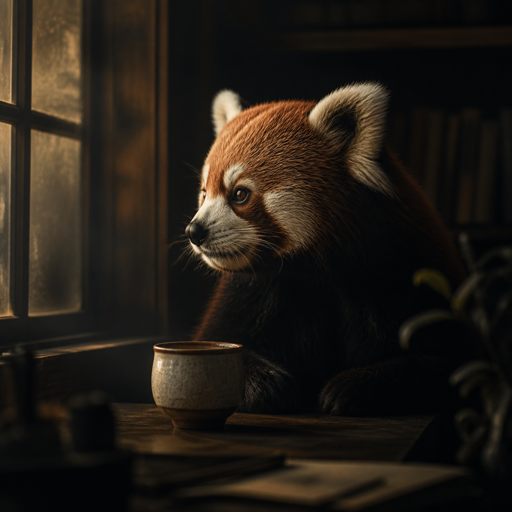
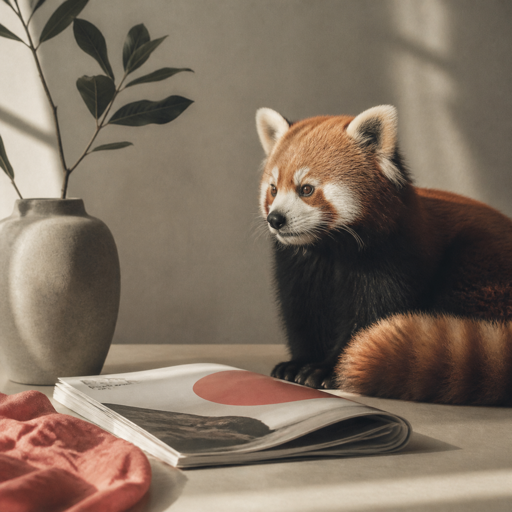
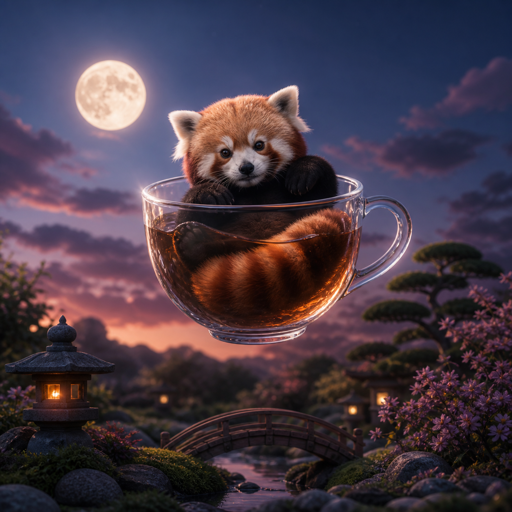
Photorealistic: Believable light and materials, Natural camera-like detail, shown through a red panda
Photography
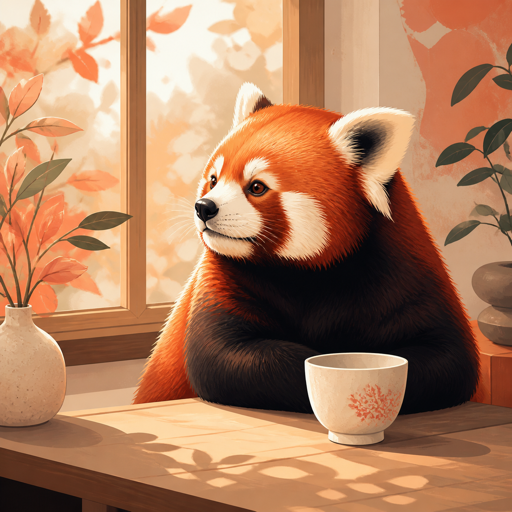
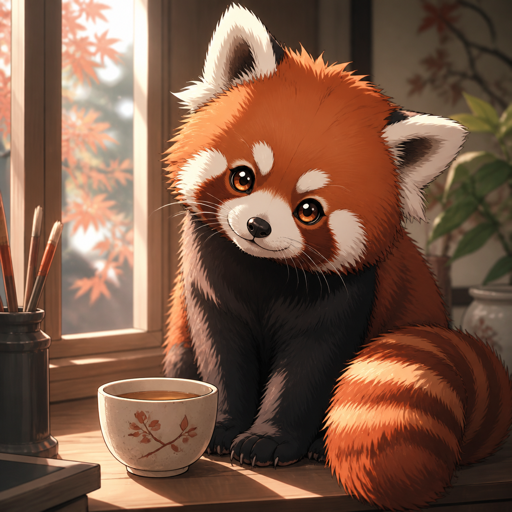
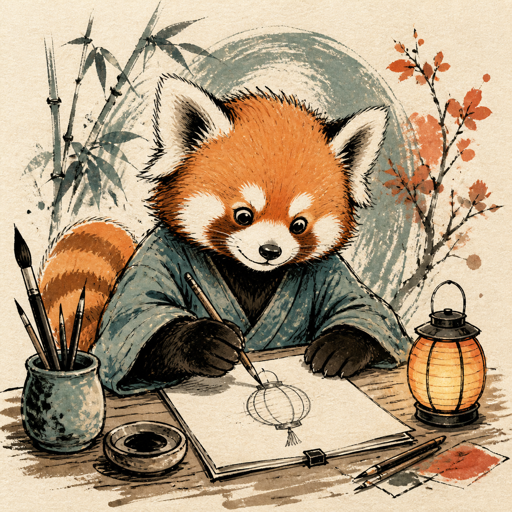
Illustration: Designed shapes and expressive color, Clear visual storytelling, shown through a red panda
Illustration
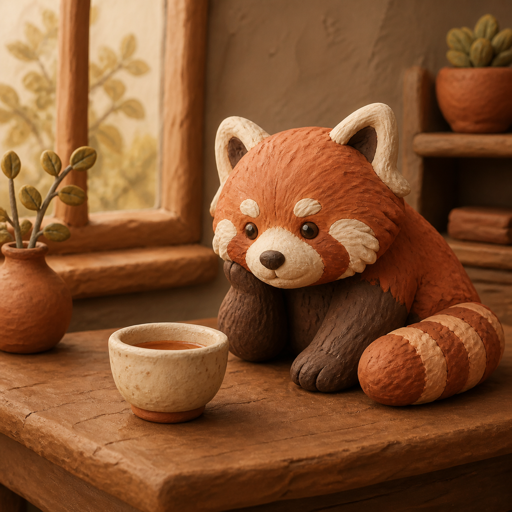
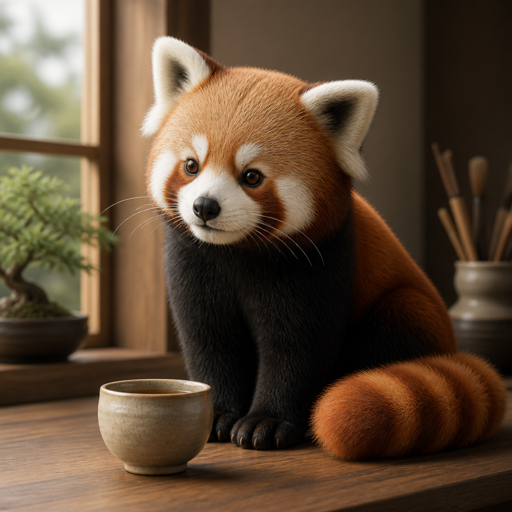
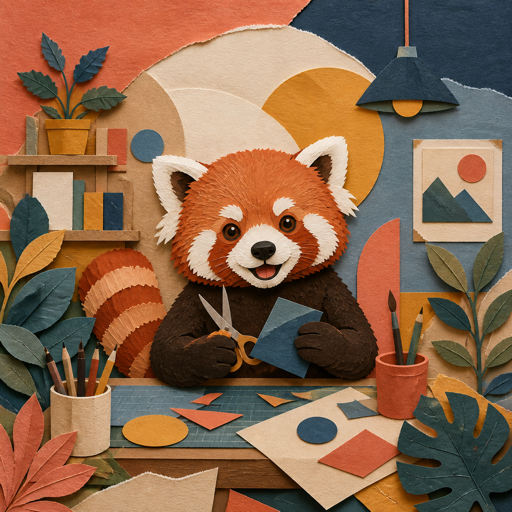
Clay: Soft sculpted forms, Handmade texture and miniature warmth, shown through a red panda
Tactile / dimensional
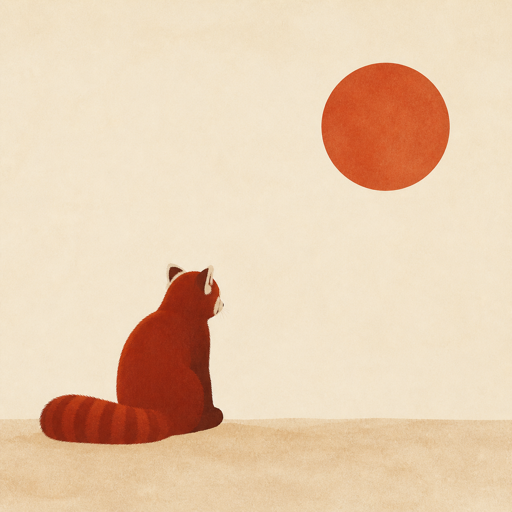
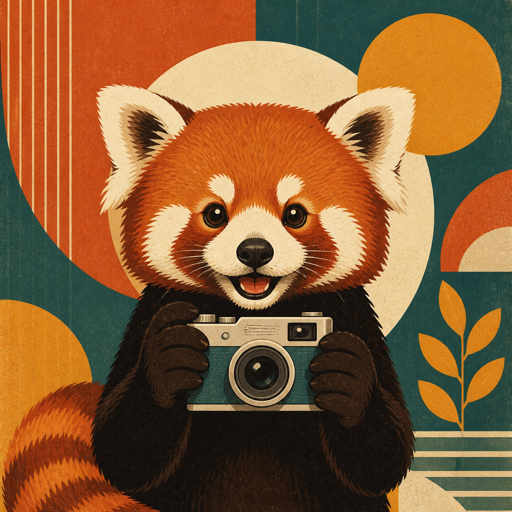
Minimal: Generous negative space, One clear focal point, shown through a red panda
Graphic

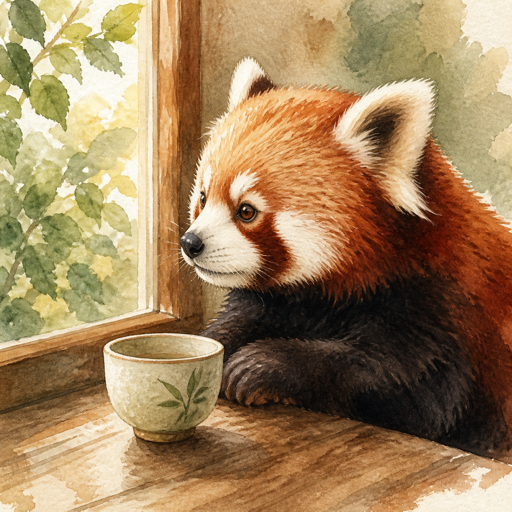
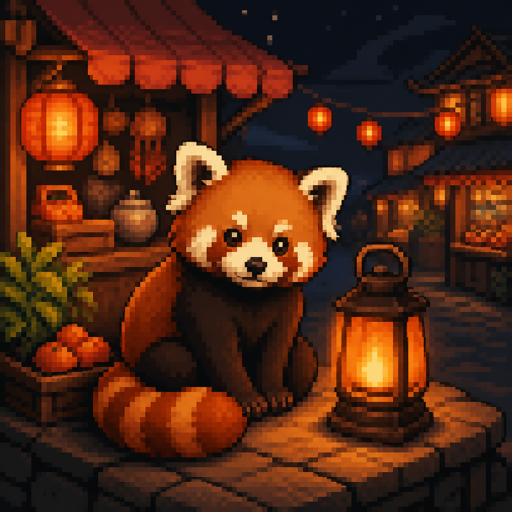
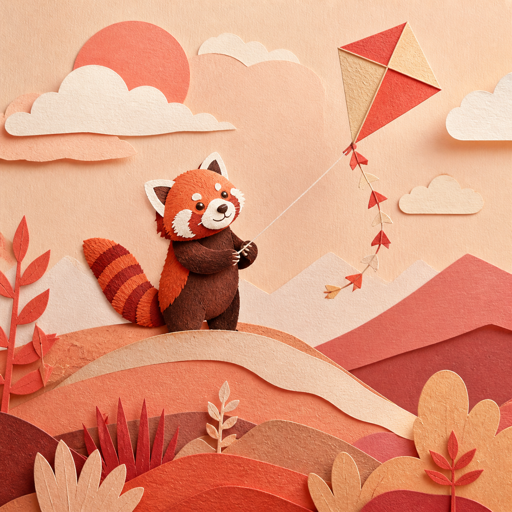
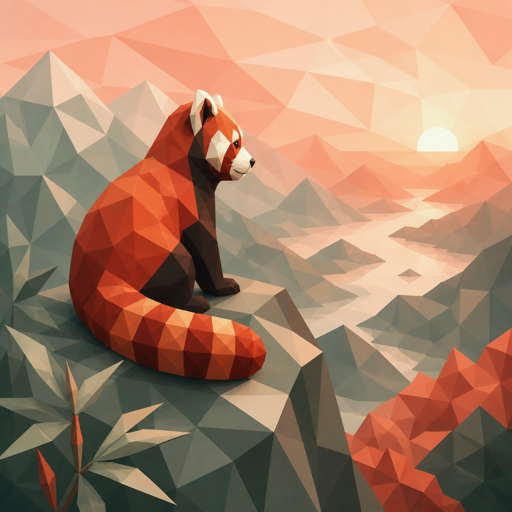
A shared red panda subject shows different visual directions. Pose, framing, and lighting also differ; these are illustrative examples, not a controlled comparison.

Choose by what matters to your image

What should the
viewer notice first?

Start with the effect you need, then look at the differences within that direction. These starting points can overlap; you do not need to fit your idea into a category.

I want it to feel photographed.

Look for natural light, believable materials, and depth. Start here for portraits, product concepts, interiors, or a place you want to picture as a photograph.

Choose Cinematic for a stronger story mood; Editorial for a more considered article or campaign image.

I want expression more than realism.

Drawn shapes and color can explain an idea or give a character personality. Start here for a story, an editorial illustration, or an image that should feel interpreted.

Watercolor softens the edges; Ink emphasizes line; Anime gives characters a more stylized presence.

I want it to feel made from a material.

Choose a material direction when the surface and form are part of the idea: a sculpted character, a miniature scene, or a playful version of a familiar object.

Clay feels rounded and handmade. 3D Render is smoother and more polished; Paper Craft uses cut layers; Low Poly uses angular planes.

I want a shape that reads at a glance.

A clear silhouette, deliberate space, and a small set of colors can give poster or cover artwork a strong focal point. Add final lettering and layout afterwards.

Minimal leaves more space. Retro adds printed texture; Collage builds with mixed layers; Pixel Art uses visible color blocks.

The Style does not
choose your subject.

Your prompt still decides the person or object, setting, action, and important details. A Style mainly guides how those things look. Change either one when it helps your idea.

“A red panda beside a ceramic cup,
sitting by a window in morning light.”

This gives the picture a subject, a prop, a place, and light. Choose Clay for sculpted forms, Illustration for a drawn interpretation, or leave Style unselected and describe your own treatment.

Learn how to start a prompt

Explore the available looks

Find a direction
worth trying.

Open a Style to see what it suits, what to describe, and where another look might work better. You will choose your prompt and image shape after entering the generator.

Photorealistic: Believable light and materials, Natural camera-like detail

Photorealistic

Believable light and materials. Natural camera-like detail.

Useful for Product concepts

Cinematic: Directional lighting and atmosphere, Film-like framing and depth

Cinematic

Directional lighting and atmosphere. Film-like framing and depth.

Useful for Story moments

Illustration: Designed shapes and expressive color, Clear visual storytelling

Illustration

Designed shapes and expressive color. Clear visual storytelling.

Useful for Editorial stories

Anime: Crisp linework and expressive faces, Dynamic, graphic composition

Anime

Crisp linework and expressive faces. Dynamic, graphic composition.

Useful for Character concepts

3D Render: Polished dimensional forms, Controlled materials and studio light

3D Render

Polished dimensional forms. Controlled materials and studio light.

Useful for Product concepts

Clay: Soft sculpted forms, Handmade texture and miniature warmth

Clay

Soft sculpted forms. Handmade texture and miniature warmth.

Useful for Friendly characters

Watercolor: Transparent color washes, Paper grain and painterly edges

Watercolor

Transparent color washes. Paper grain and painterly edges.

Useful for Gentle editorial art

Pixel Art: Deliberate pixel clusters, Limited palette and readable silhouettes

Pixel Art

Deliberate pixel clusters. Limited palette and readable silhouettes.

Useful for Game concepts

Paper Craft: Layered cut-paper forms, Visible edges and tactile depth

Paper Craft

Layered cut-paper forms. Visible edges and tactile depth.

Useful for Seasonal campaigns

Low Poly: Faceted geometric forms, Clear planes and graphic depth

Low Poly

Faceted geometric forms. Clear planes and graphic depth.

Useful for Game concepts

Editorial: Considered composition, Refined light and restrained detail

Editorial

Considered composition. Refined light and restrained detail.

Useful for Magazine-style imagery

Minimal: Generous negative space, One clear focal point

Minimal

Generous negative space. One clear focal point.

Useful for Simple product messaging

Surreal: Unexpected visual relationships, Dreamlike scale or setting

Surreal

Unexpected visual relationships. Dreamlike scale or setting.

Useful for Conceptual campaigns

Retro: Period-inspired color and shape, Printed texture and graphic nostalgia

Retro

Period-inspired color and shape. Printed texture and graphic nostalgia.

Useful for Posters

Ink: Confident hand-drawn lines, Expressive contrast and mark-making

Ink

Confident hand-drawn lines. Expressive contrast and mark-making.

Useful for Book and editorial art

Collage: Layered cutout shapes, Mixed textures and playful juxtaposition

Collage

Layered cutout shapes. Mixed textures and playful juxtaposition.

Useful for Culture campaigns

Already know the look you want?

You can name a medium, light, or texture in your prompt without choosing a Style. Start with the subject and explore from the first result.

Create your image